
Overview
Assets may be archived or hidden from the UI within the Asset Inspector for various operational or compliance reasons. This article provides step-by-step guidance on restoring an Archived or Hidden asset, making it accessible and visible in the user interface once again.
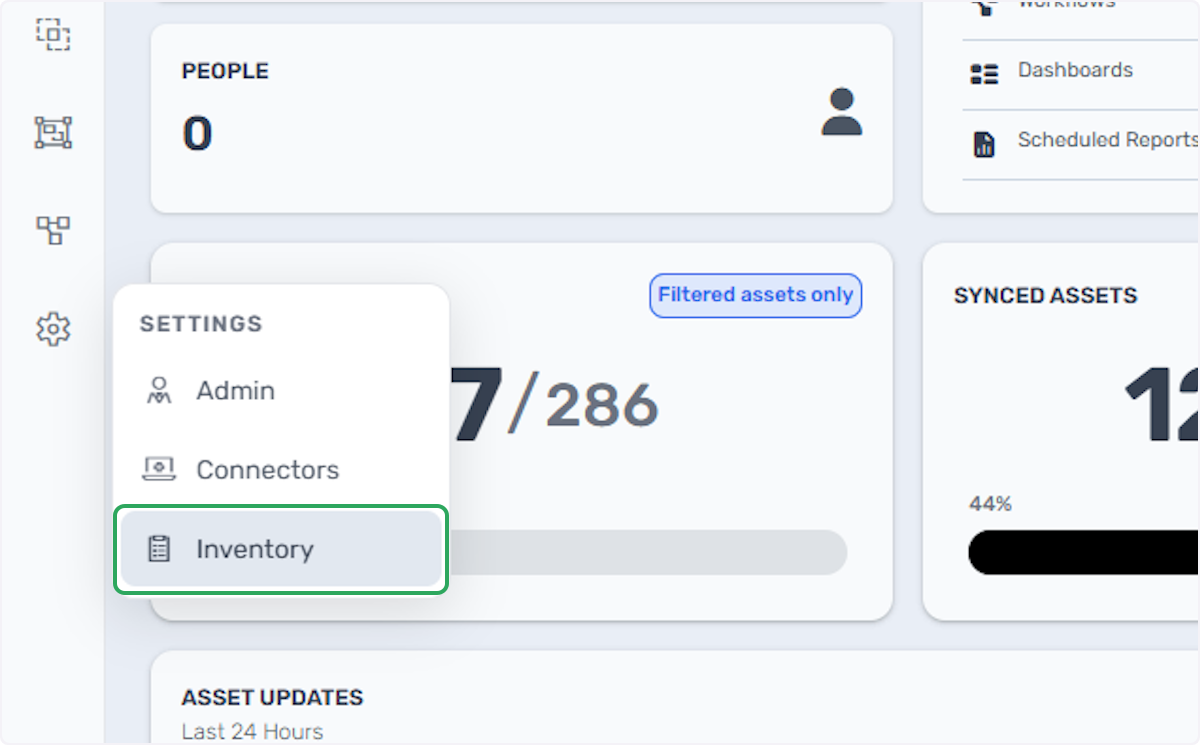
1. Click on Inventory.
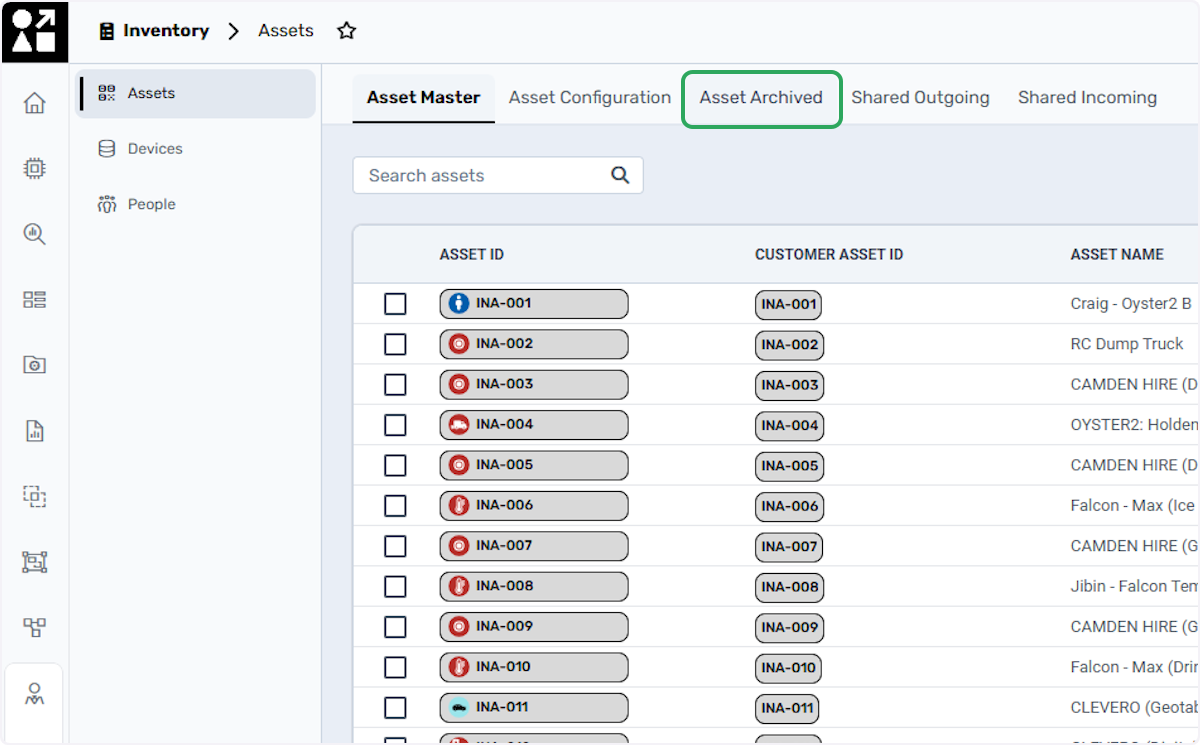
2. Click on Asset Archived.
Click on this option to display all Disabled and Archived Assets.
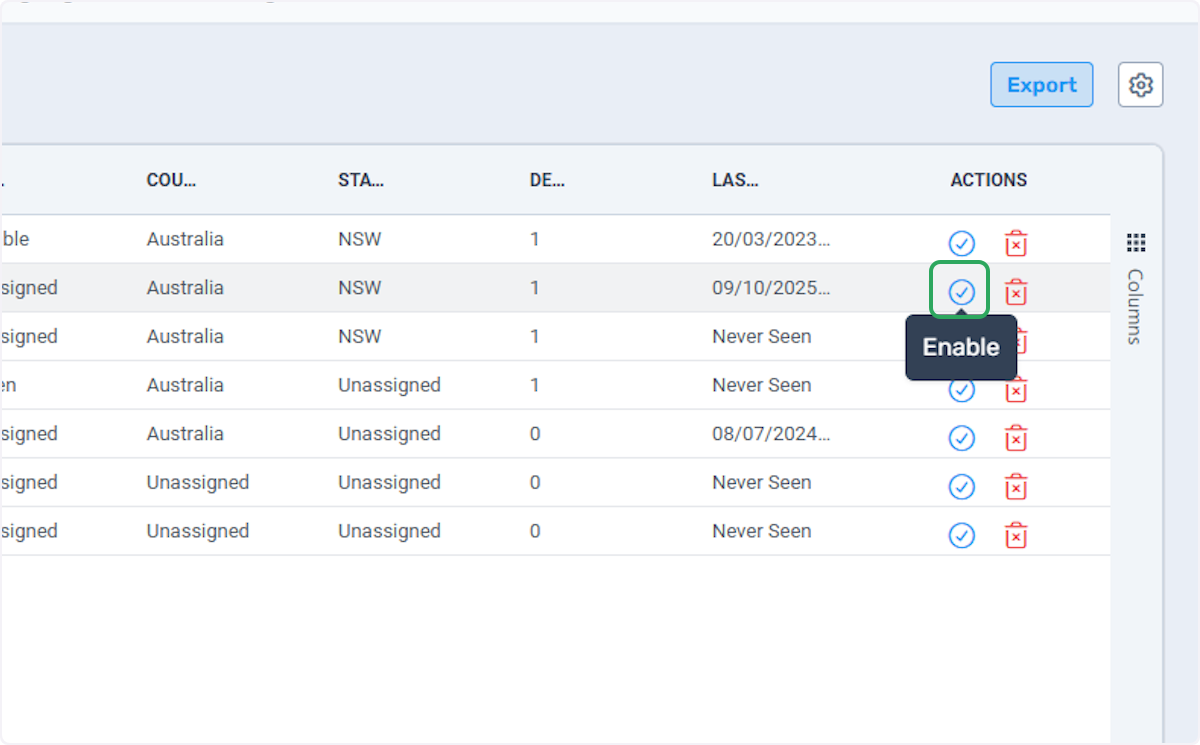
3. Click on Enable.
4. This message confirms that the operation was Successful.
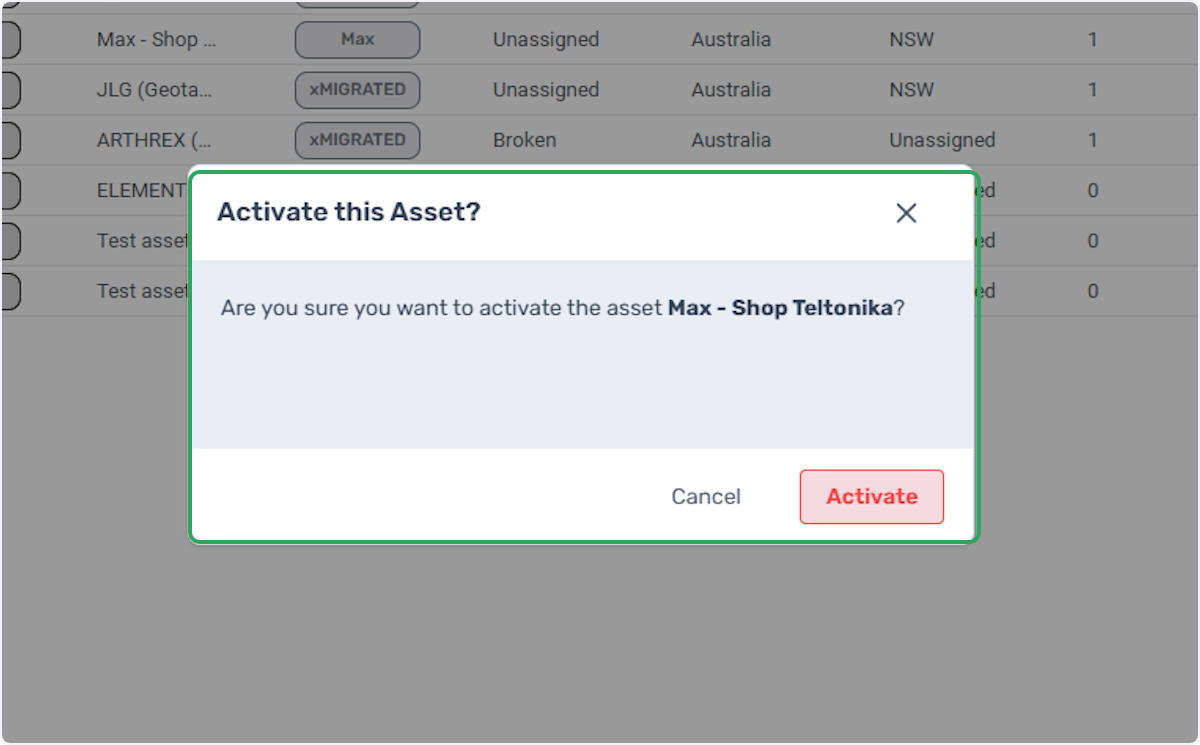
Click on Activate to enable, making it visible in the UI and restoring Data Ingestion.